Subterranean
Survey data · Halo

Survey video, on the sewer's true path.

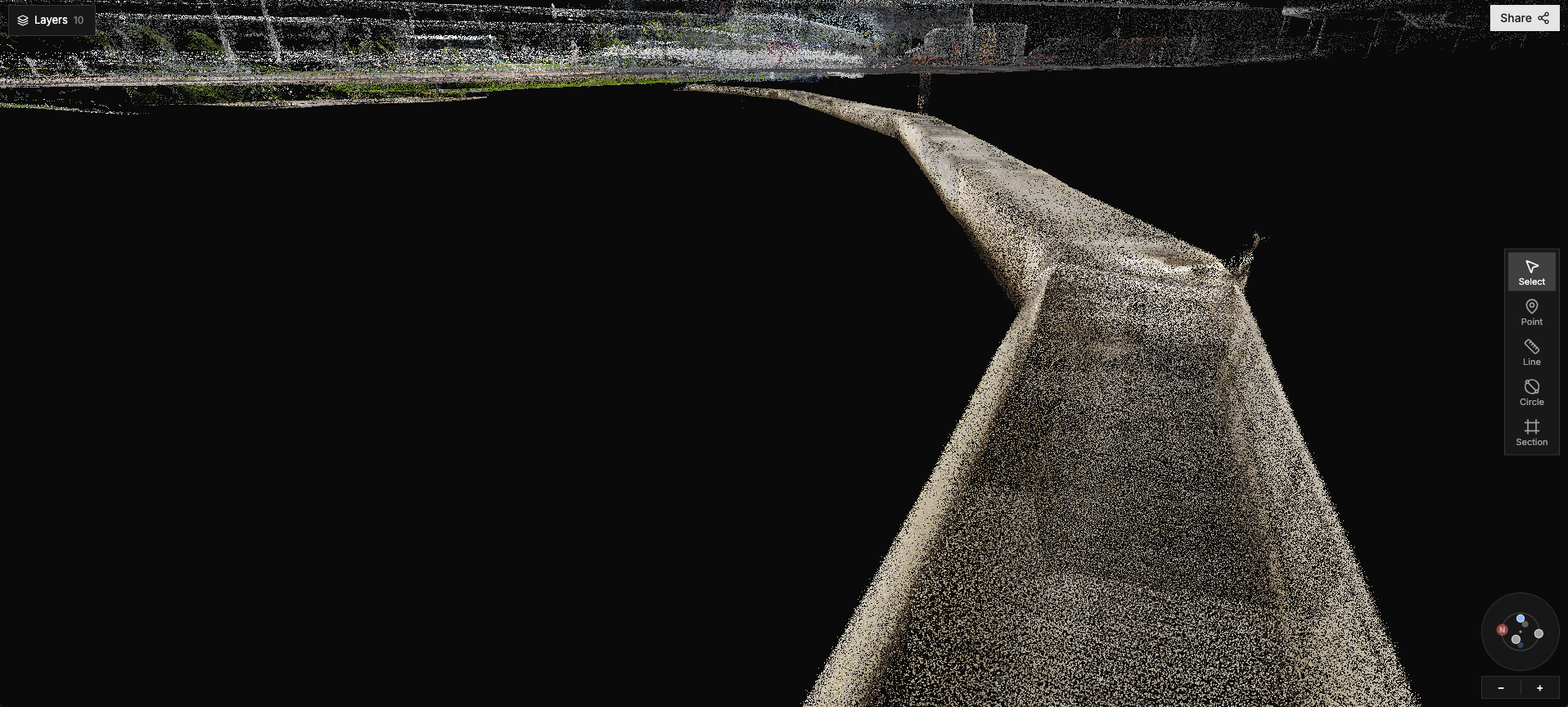
Halo places the footage you already rely on inside a LiDAR model of the asset. Every frame sits where it was recorded, with every bend, junction and chamber where it really is.

Review, measure and share it in a browser. Keep using the tools you already have: the survey files open there too.

Open a sample survey How we survey
Context

A sewer isn't a straight line. Its survey shouldn't be either.

Survey video frame with the schematic straight-line view
Today

Footage logged against chainage on a schematic that draws every length as a straight line. Where a defect really is, and what's around it, is left to the reader.

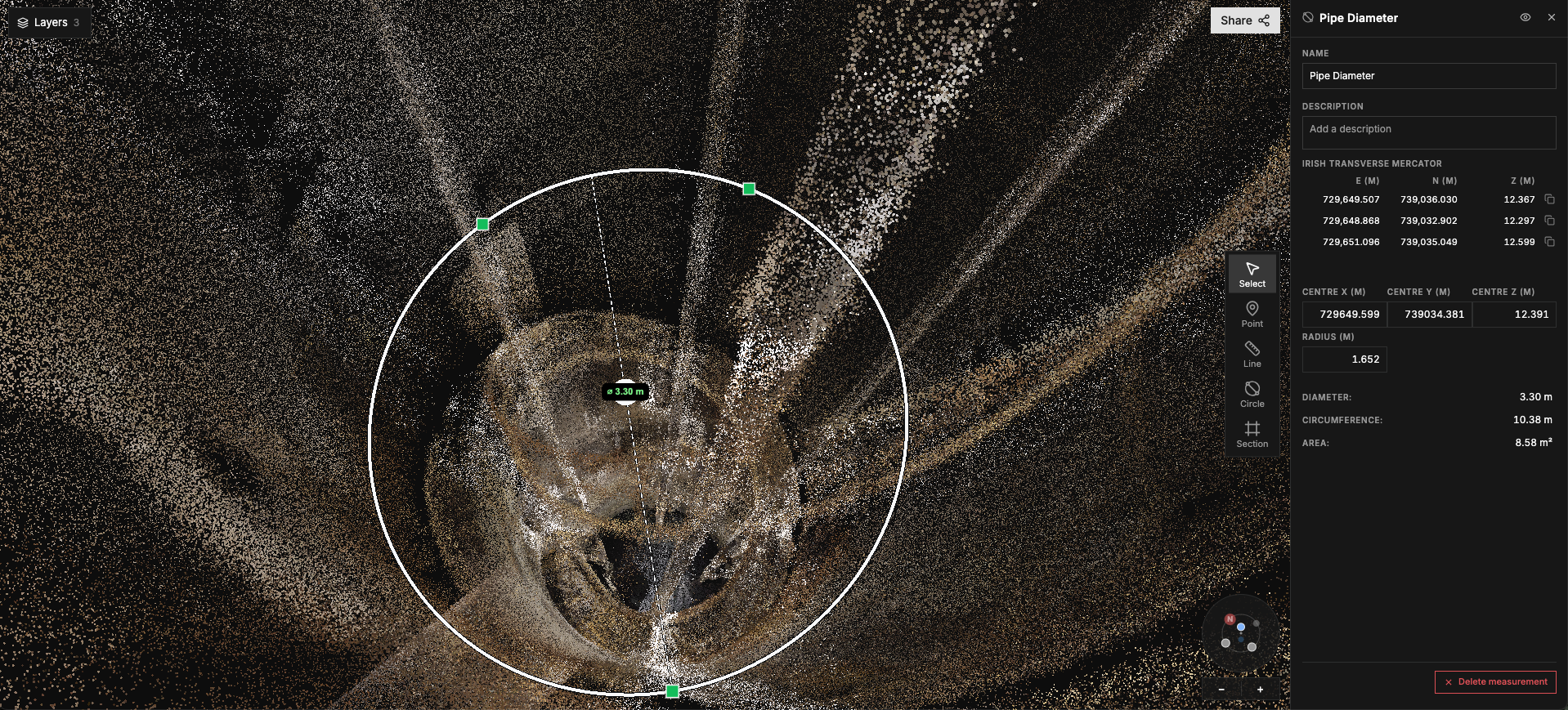
Halo point cloud of a pipe with a 3.30 m diameter measurement
In Halo

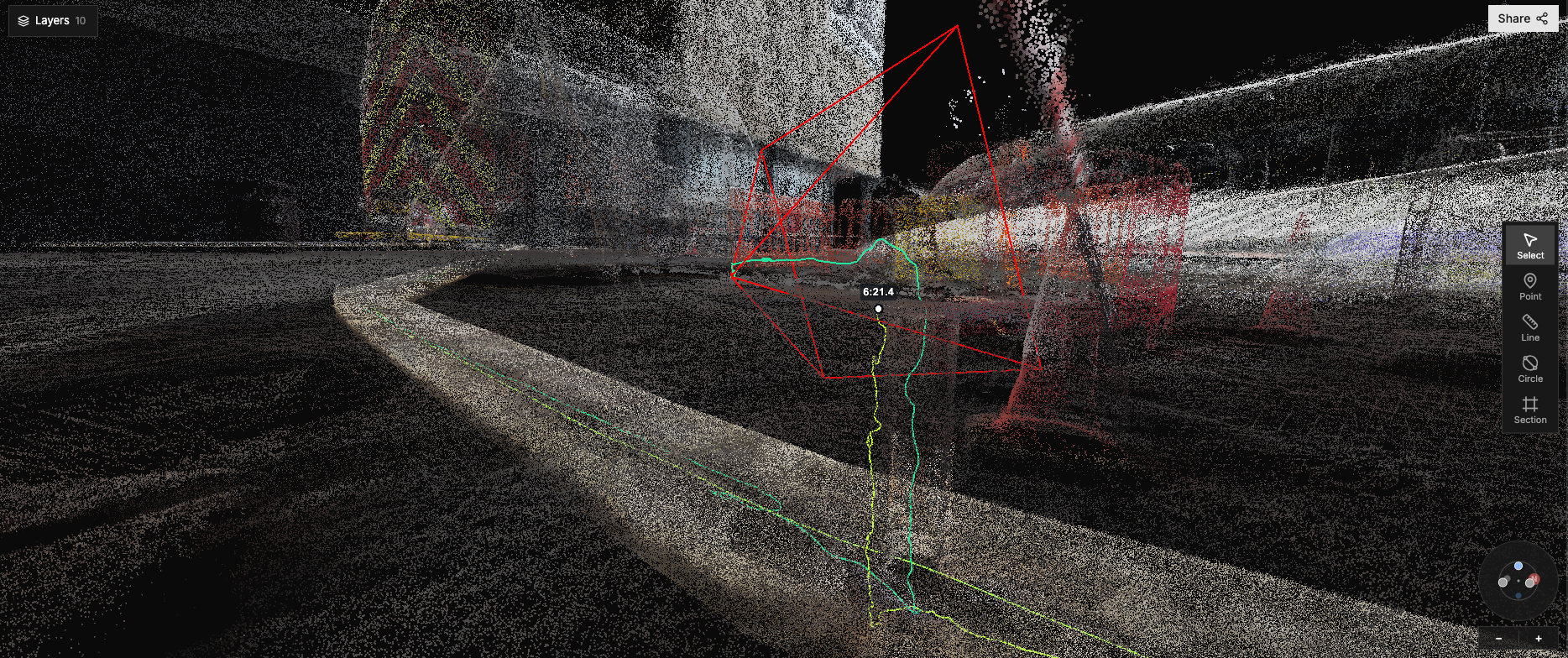
The same footage, lined up to where the drone or crawler was in the LiDAR model. Jump from a frame to its place in 3D and measure the deformation, void or collapse instead of estimating it.

How it works

From the sewer to your team, in four steps.

Drone or crawler inside the sewer
01

Capture

Bring video and LiDAR from your own survey contractor, or have us capture it.

Drone flight path drawn through the Halo LiDAR model, with the video timeline
02

Align

Halo places the footage on the asset's true path in the model, organised by site and survey date.

Halo in a browser: video frame with a measurement
03

Review

Watch, measure and add notes from within your browser, without installing any new software.

Survey shown in ArcGIS or a shared Halo link
04

Deliver

Share by secure link with role-based access, or export into ArcGIS, CAD and WinCan.

Who it's for

One record, read by everyone who needs it.

Water companies

Condition data with its context, and a baseline to compare against on the next survey.

Start with one asset →

Contractors & partners

Deliver drone and LiDAR surveys to your clients through Halo, as Good Friday Robotics and Environmental Techniques already do.


Good Friday Robotics (GFR) ET (Environmental Techniques)

Hardware & robotics vendors

Pair your inspection kit with Halo so your customers get the same view of their data.

Talk to us about partnering →
FAQ

Questions we get asked.

HALO
Do we need to replace WinCan or our GIS?+

No. Halo sits alongside ArcGIS, CAD and WinCan, and the survey files export into them. [formats – confirm]

What does our team need to install?+

Nothing. Surveys open in a standard browser, with access set for each user.

Can Halo connect directly to our systems?+

Not yet. Today you export into your own tools. Direct integrations with other platforms are in development.

Do you grade defects?+

Surveys are coded to [coding standard – confirm]. Recording grades in Halo, against the footage and the 3D model, is in development.

Who can see our survey data?+

Only the people you give access to. Contractors, owners and consultants each see only the assets they're entitled to, and any shared link can be withdrawn. [confirm]

Where is the data held?+

In EU data centres. [confirm]

In their words
“[Approved quote from Mark – lower overall operating cost]”

NI Water
Mark Mitchell · NI Water · [role]
See it on a real survey

Survey data with its context.

Open a sample survey: watch the footage, jump to its place in the model and measure it in 3D. Or talk to us, whether you own the asset, survey it or build the kit that does.
Open sample survey Talk to us
[Link to a read-only demo survey, real data shared with permission]
Halo screenshot: video frame and 3D view side by side